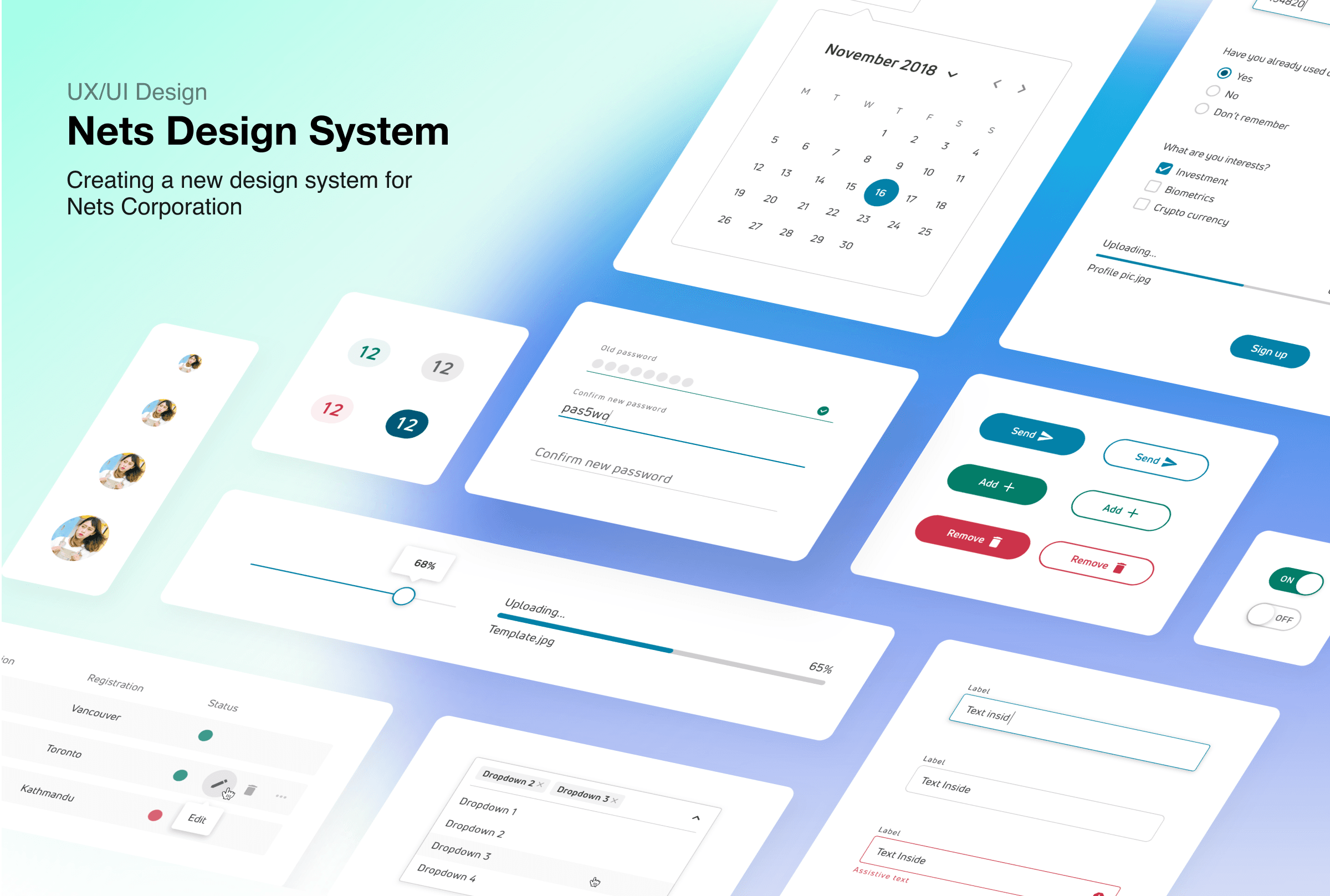
Nets Design System
Creating a new design system for Nets Corporation
Task
Create and develop a new design system
My Role
UX/UI Design · Animation/Interaction · Developer handover
Team
Me as a UX/UI Designer · 2 Senior UX Designers
Need for a Design System
In 2018 Nets went through a rebranding. The new branding material was missing digital elements. This brought a need to create a unified design system for the whole company to align designs, bring a consistent image and cut development costs.
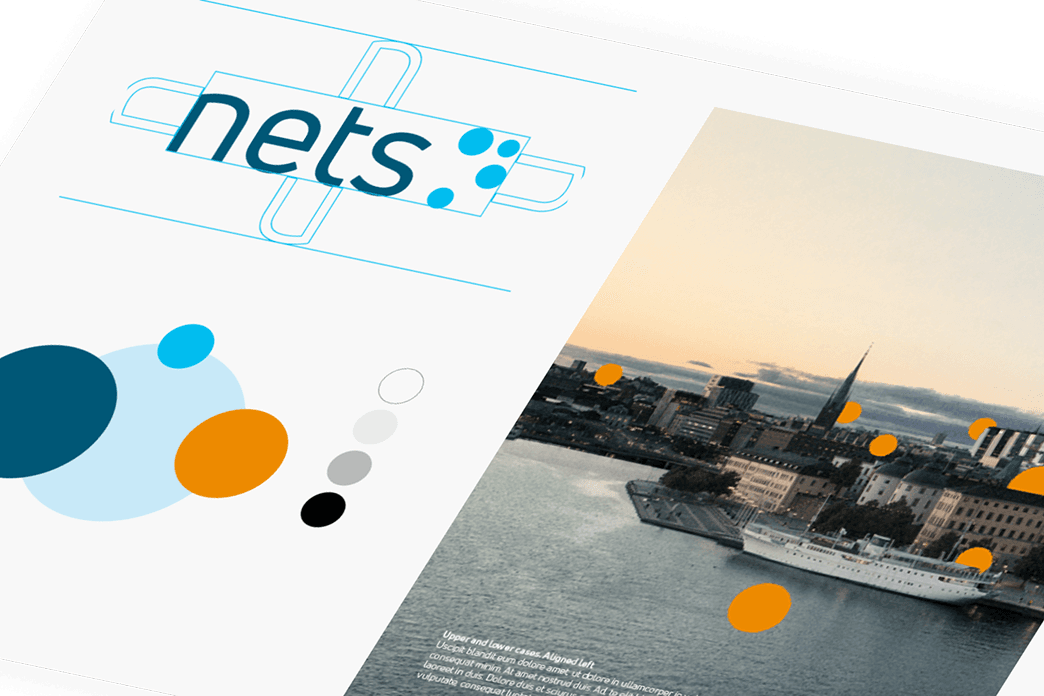
Aligning with the rest of organization
With a product such as a company-wide design system, it was very important for the UX team to get the approval from the rest of the company. We have done it, by a series of presentations of our plans in front of the important stakeholders. The crucial approval was needed from the branding department, that was responsible for the recent rebranding.
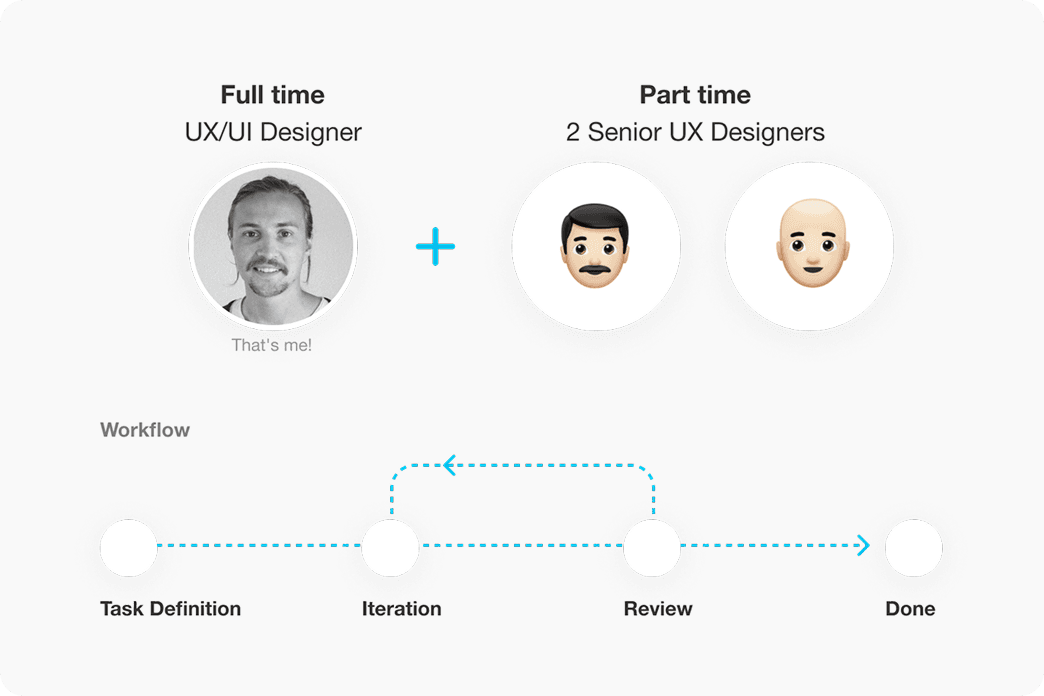
Team work structure
UX team working on the project consisted of one full-time UX/UI designer (me), that was responsible for the majority of the design and two part-time senior UX designers, that were my mentors. The process mainly consisted of me doing the UI/UX work and having reviews with the other two designers.
Competitor Analysis
In order to get an understanding of the design language in the current FinTech industry, we have carried out an analysis of both large scale corporations and funded startups.
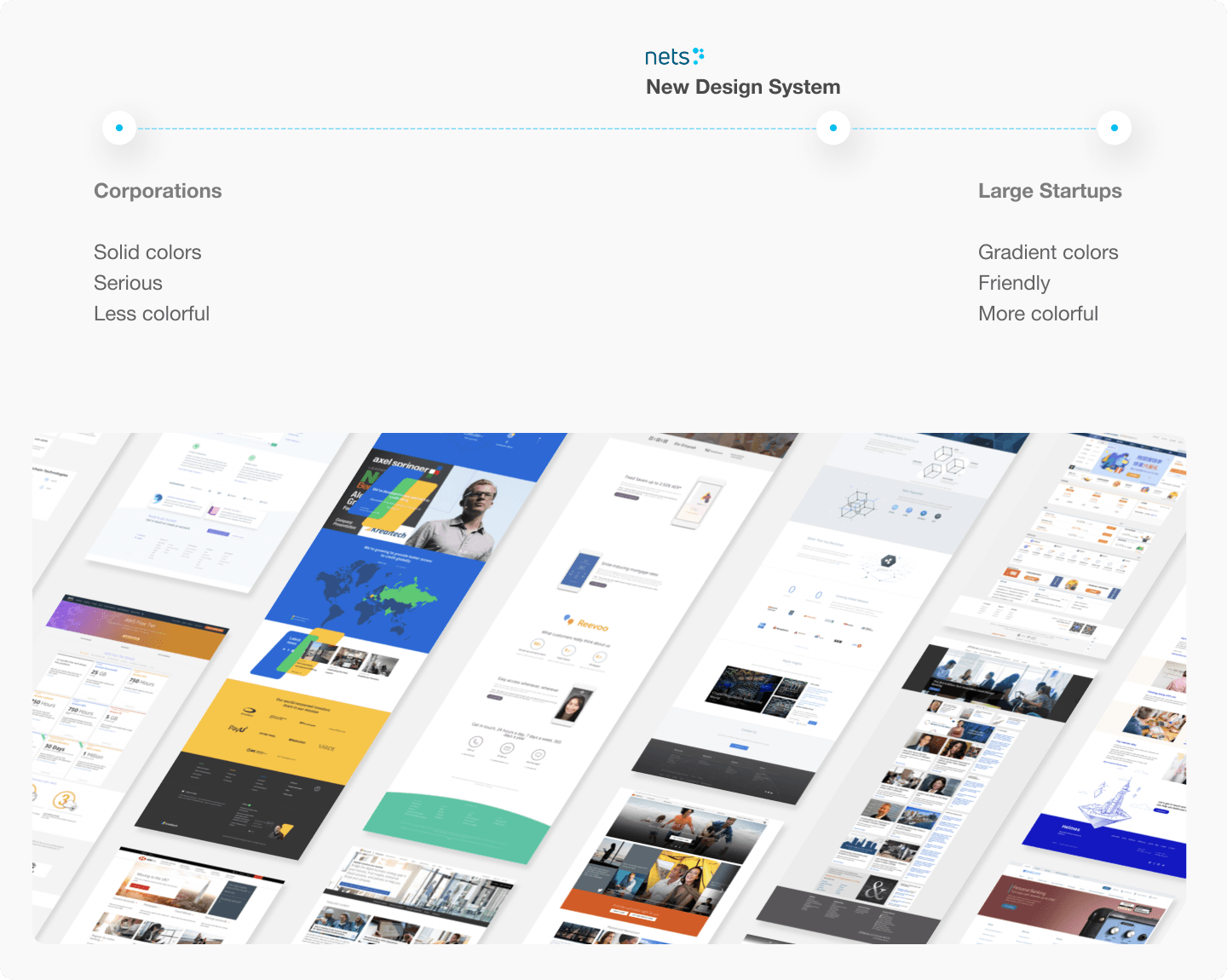
Inventory of existing designs
We have gathered the existing designs, components and patterns to scope the project and better understand the application for the design system across the company.
Nets digital products
- Landing pages with marketing materials
- Complex financial portals and apps
Scoping the project and defining deliverables
After going through the existing designs we have defined two primary uses for the design system: marketing materials and landing pages, and complex financial portals and apps. We have defined the list of components, patterns and templates that would fill those use cases.
Foundation
- Accessibility
- Branding
- Color
- Grid
- Typography
- Shadows
- Shapes
- Iconography
Components
- Accordions
- Avatars
- Badges
- Breadcrumbs
- Buttons
- Checkboxes
- Dropdowns
- Input fields
- Pagination
- Progress bars
- Search fields
- Sliders
- Radio buttons
- Tabs
- Tags
- Text fields
- Toggle switches
- Tooltips
Patterns
- Footers
- Modals
- Tables
- Cards
- Graphs
- Menus
Defining rules and principles
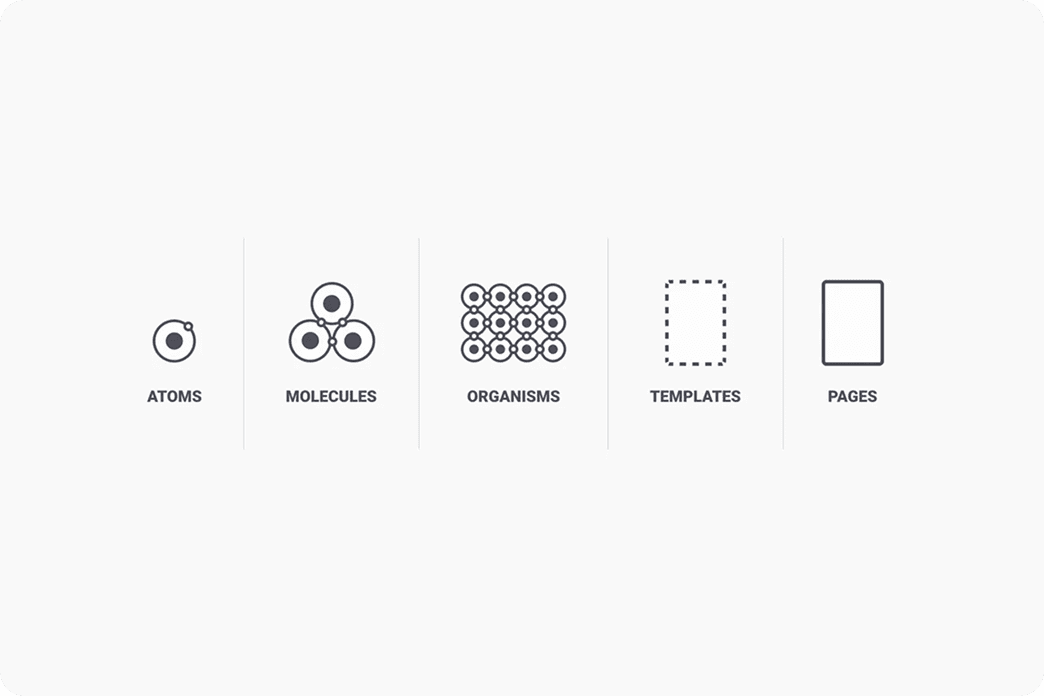
Atomic design
We have constructed the design system based on Brad Frost's model.
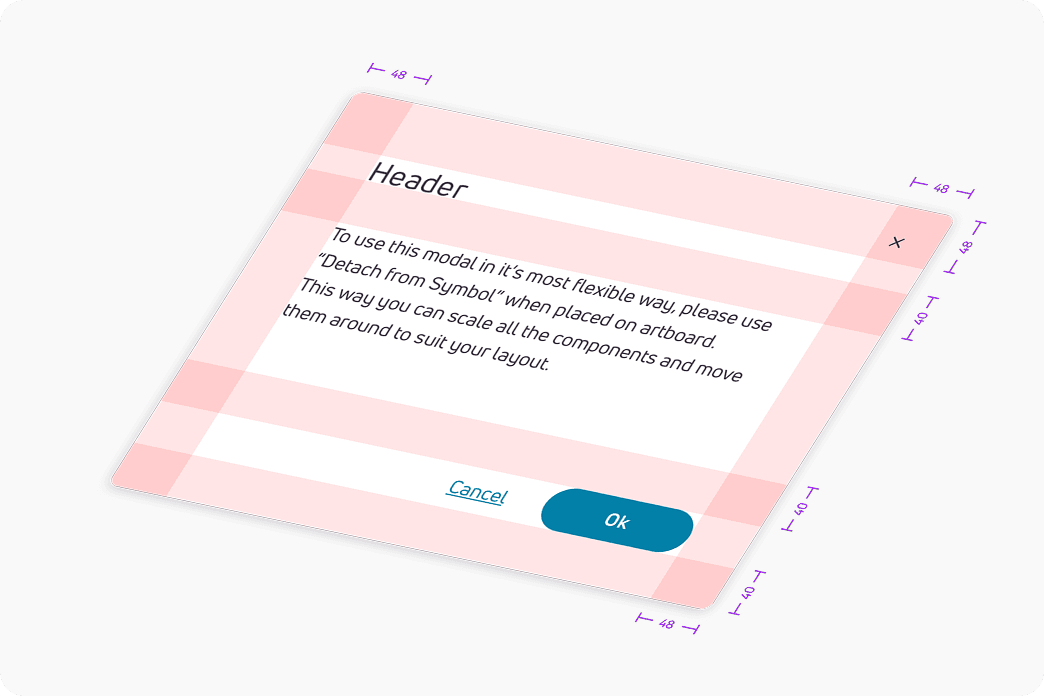
Grids and margins
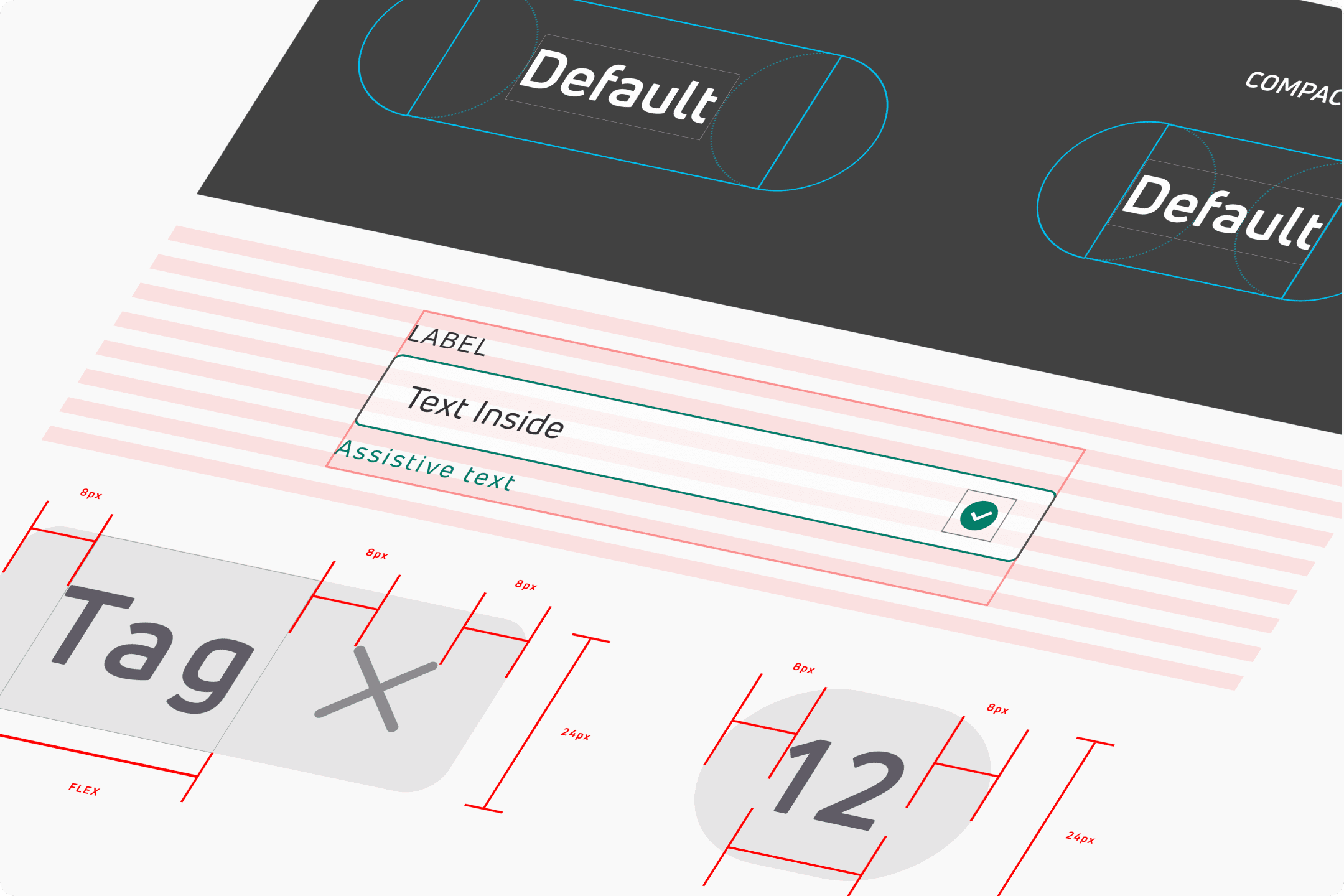
To bring harmony and consistency to the designs in Nets we have created a number of grids and layouts based on the 8 pixel spacing.
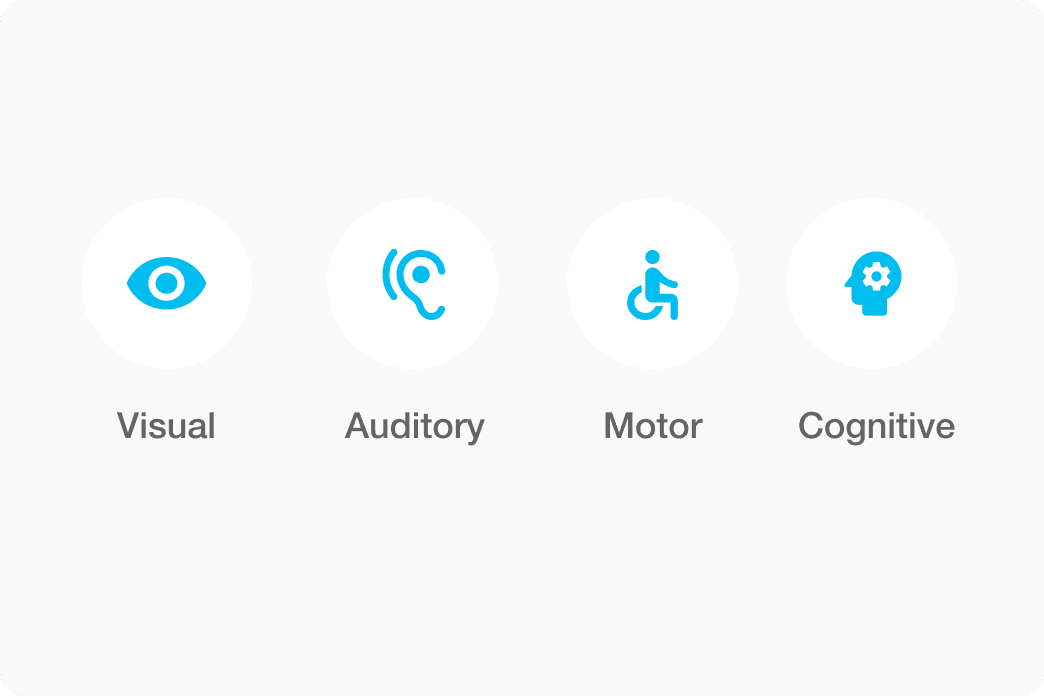
Accessibility — WCAG 2.1
Nets design system is compliant to WCAG 2.1 AA. That means that it produces designs, that can be used by people with color blindness, dyslexia, blindness or partial sight, hearing loss, motor or cognitive disabilities.
Informational levels
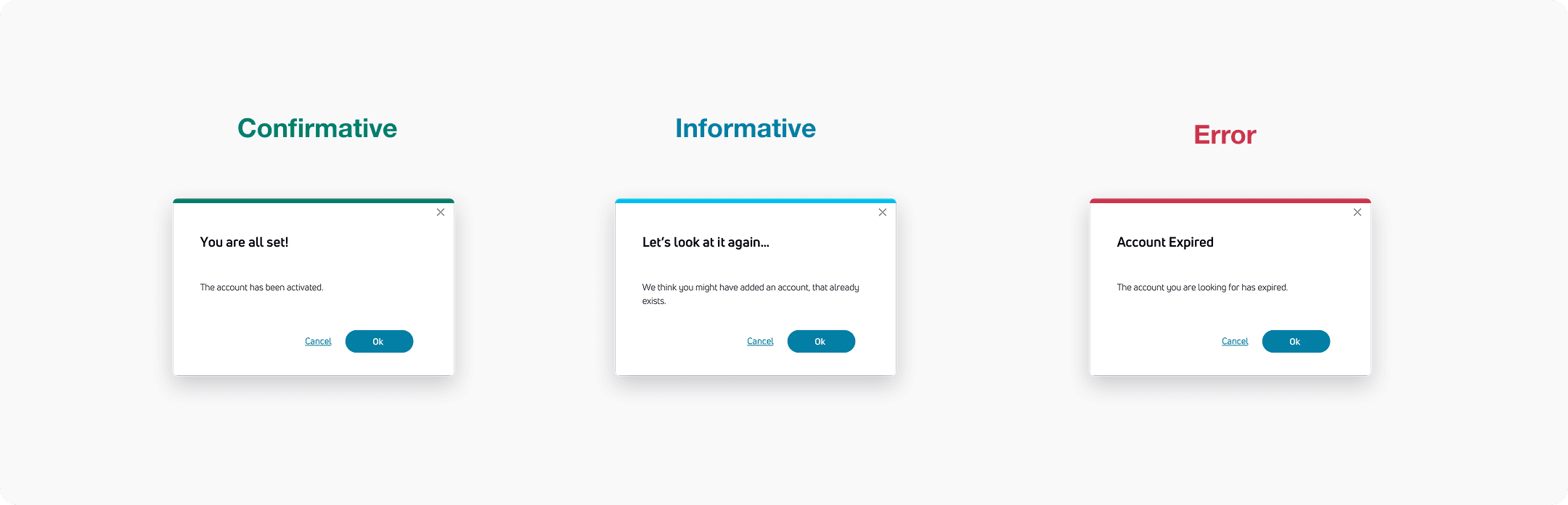
Certain situations require the user's full attention. Some do not. We have determined design strategies for 3 different kinds of events: Informative, Confirmative and Errors.
Fonts
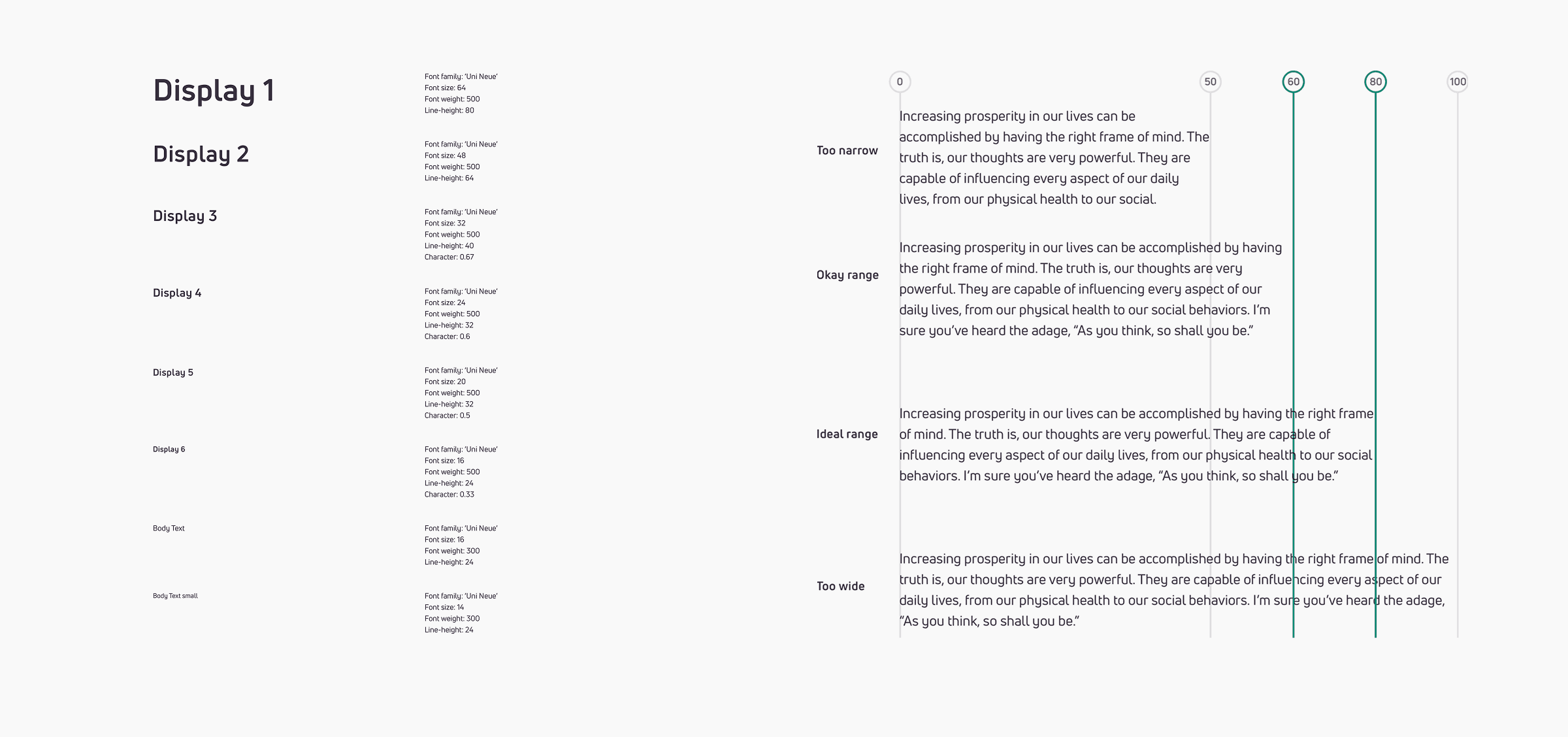
Helvetica Neue (Bold, Medium, Regular) · Helvetica (Regular, Bold)
Colors
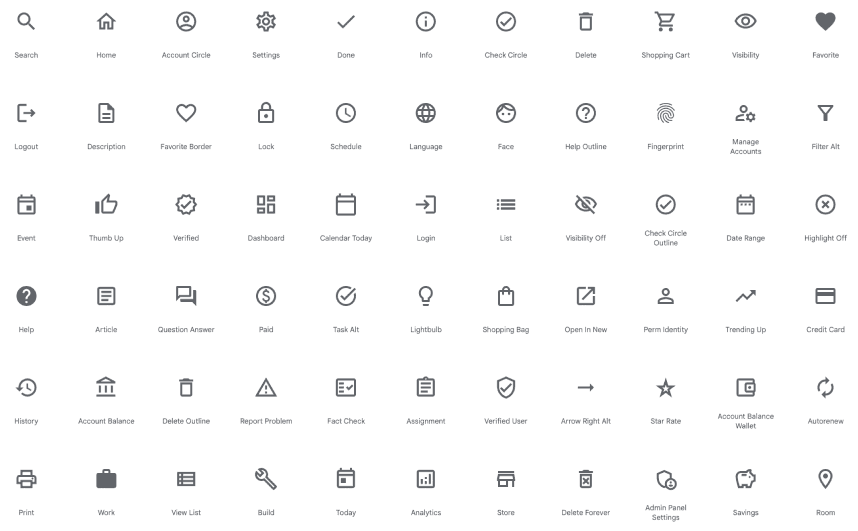
Icons
Components
Grids & Construction
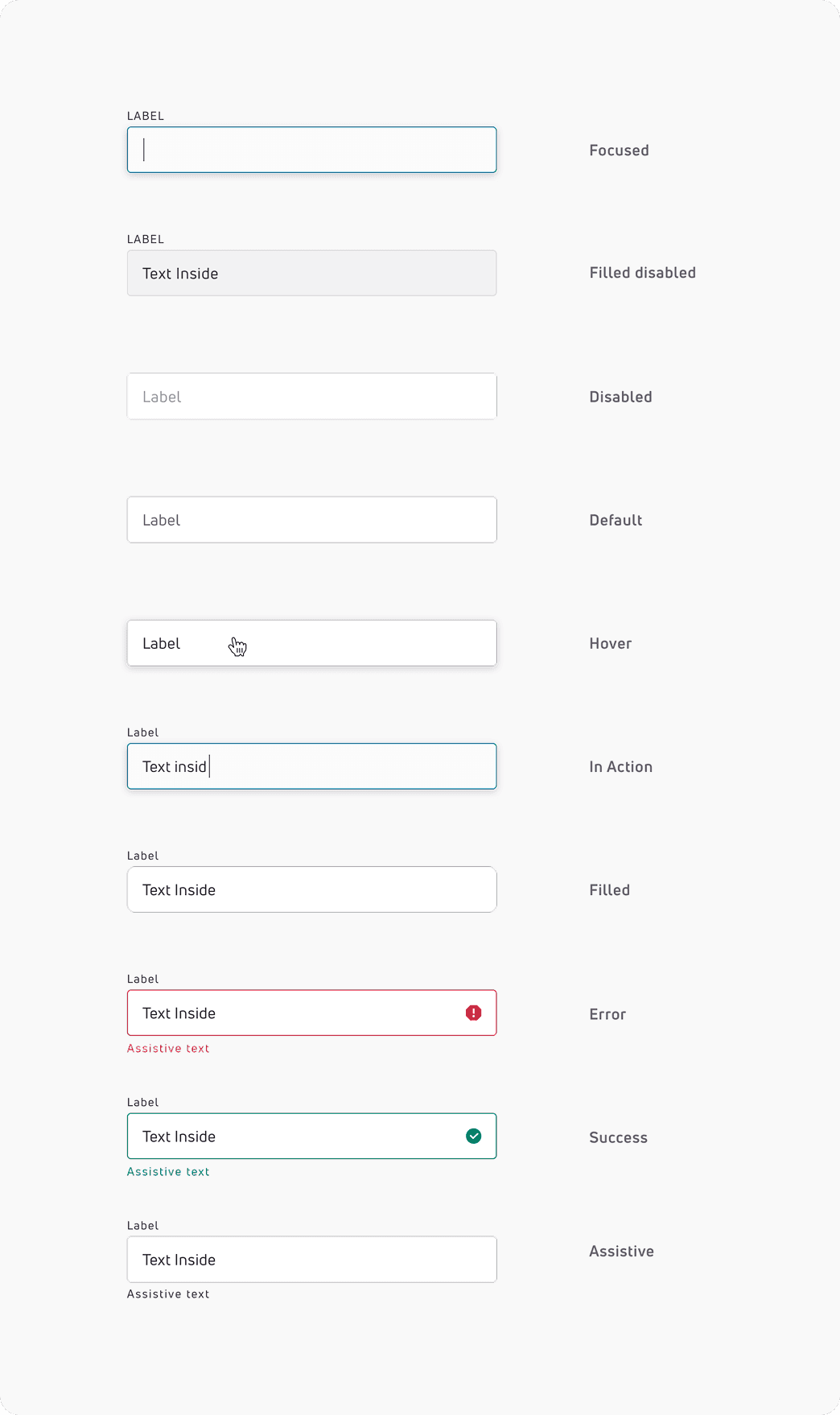
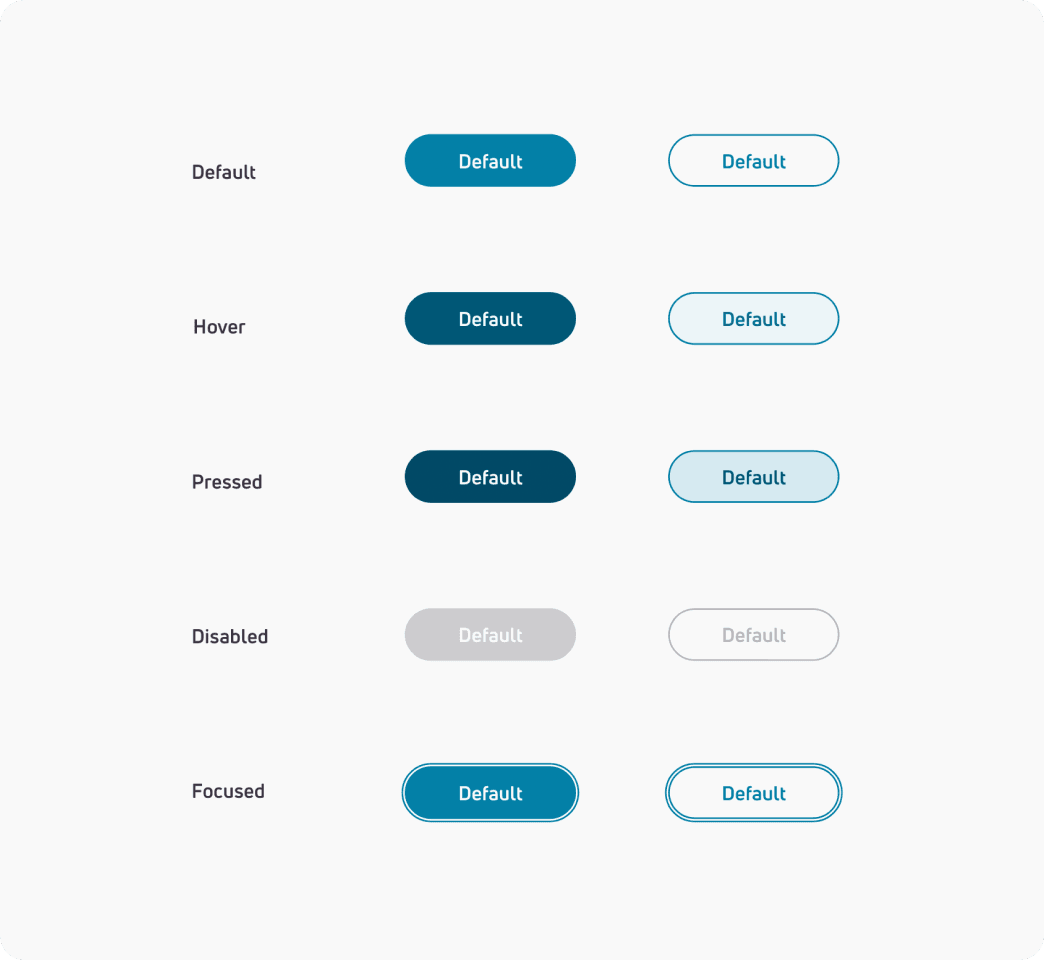
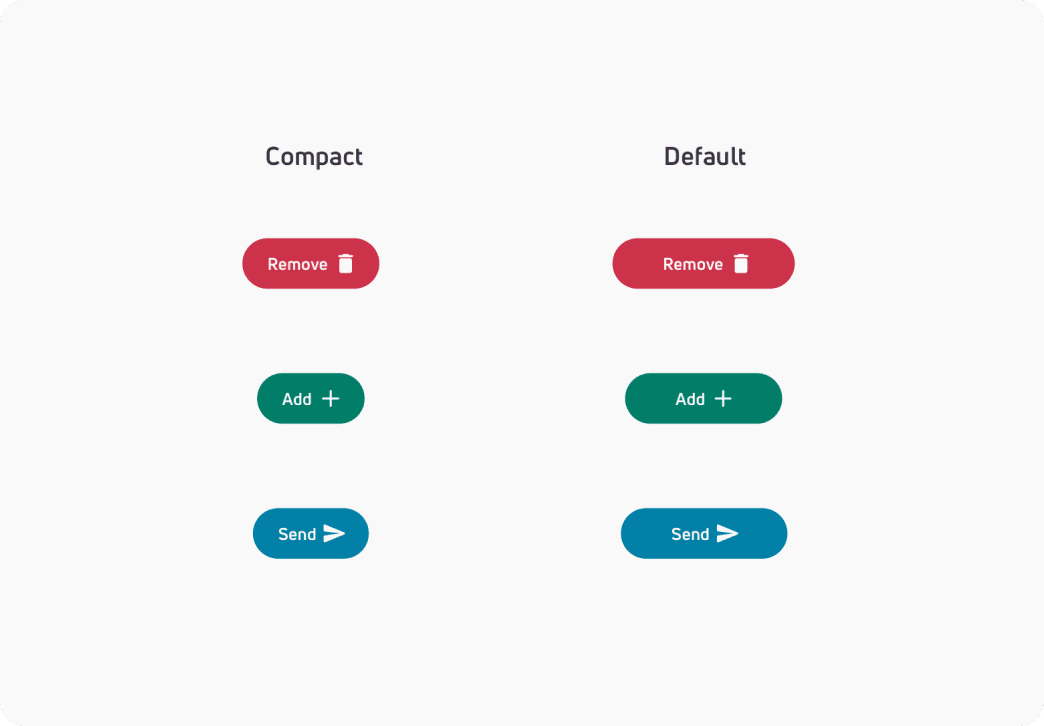
States
Animation / Interaction
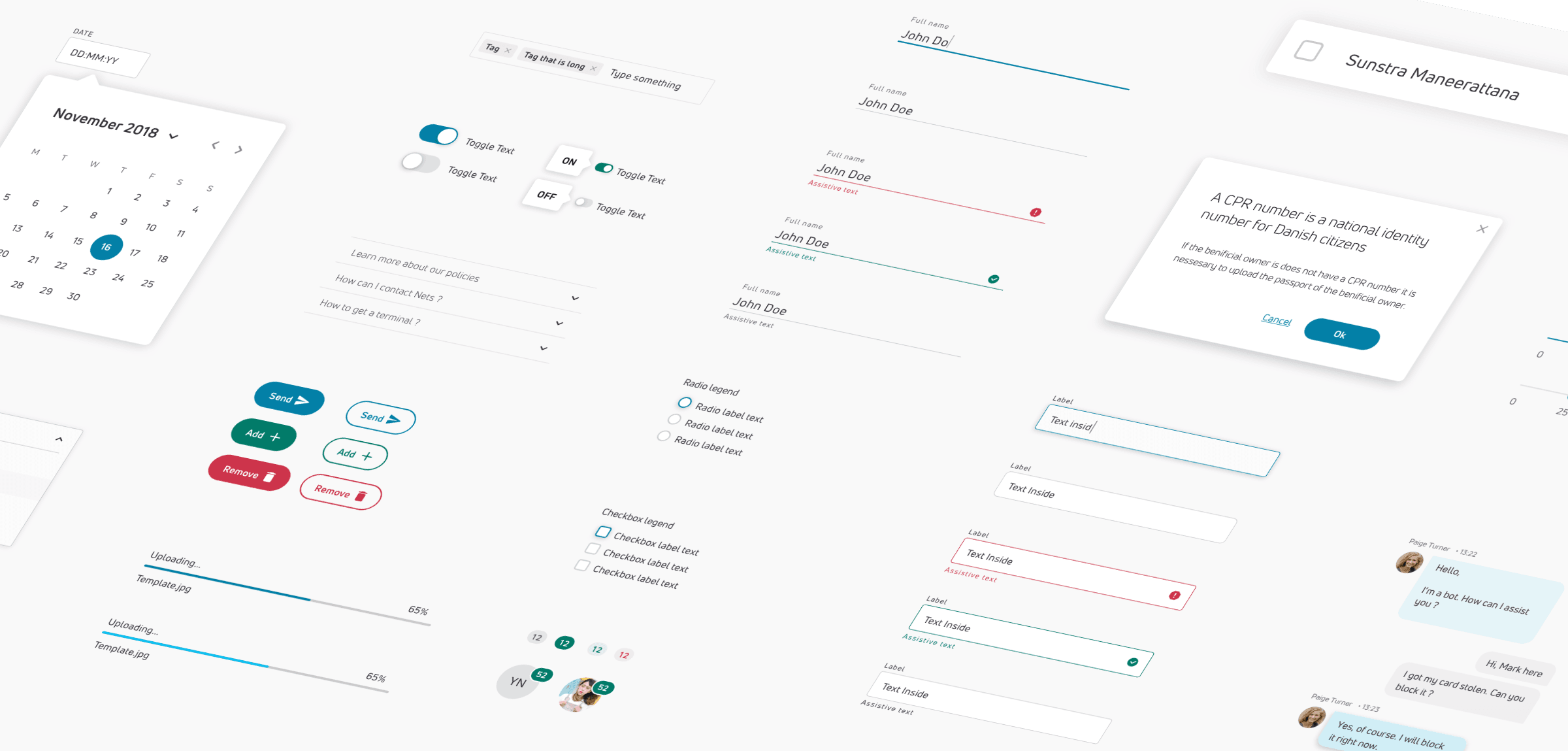
All Components Overview
Development
The design system was coded using the Angular framework and stored in Storybook, making it easily accessible and instantly usable throughout the company.
Distribution
The design system was made available to designers through the company in a form of a component library, that was distributed via Abstract for Sketch.

Maintenance & Impact
The design system is an ever-growing library, that requires frequent additions and updates. We were holding monthly meetings, during which we were analysing the performance, reviewing the changes requested by designers and updating the system to the newest specs.
The design system was a big success and has been quickly adopted through the company. It allowed for big savings during the development, by re-using components and has contributed to the creation of a coherent design language through Nets digital products.